Fundraising for Kenya
Raise support. Move money safely.
Launch a campaign, collect M-Pesa contributions and track your fundraising in one modern dashboard.
Total campaigns4
Total raisedKSh 0
Payments powered by Safaricom M-Pesa
Browse
Fundraising categories
Featured
Campaigns in the spotlight
Promoted campaigns rotate randomly so more causes get discovered.
Featured campaigns are coming soon.Campaigners can promote active campaigns to appear here.
Find a cause
Search campaigns
Find a fundraiser by campaign name, category or description.
Discover
Active campaigns

Wedding
Pre-wedding for Christina-Rose
Christina-Rose is getting married this summer..
Education
Send Mark Kamau to Medical School
Mark has the grades and the dream to become a doctor—but he lacks the tuition fees. Help us get him...

Education
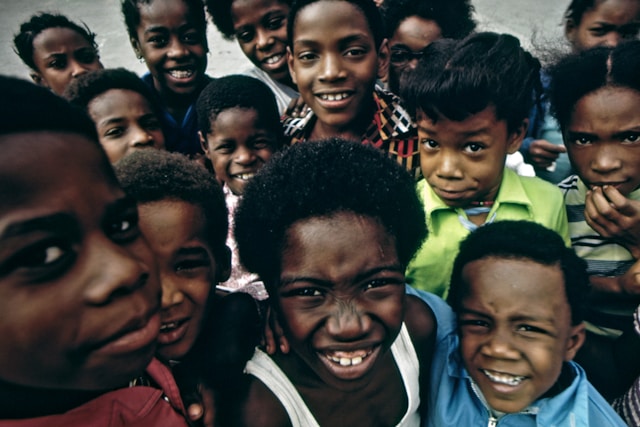
Bricks for Bright Futures
Help us build a new wing for the community library—a safe space for 500 children to learn and grow.

Community
The Urgent Relief Campaign
A catastrophic earthquake has hit. We need your help to deliver food, water, and medical aid within...